
In the world of high-performance cycling, where every detail counts toward aerodynamics, comfort, and functionality, accessories like bike computer mounts have become essential. If you’re riding a BMC bicycle equipped with advanced stem systems, finding the right setup can elevate your experience significantly. Today, we’re diving deep into the Computer Mount | ICS, ICS2, ICS MTT and RSM01 Stems, exploring how these components integrate seamlessly to provide cyclists with a clean, efficient cockpit. Whether you’re a road racer, gravel adventurer, or endurance rider, understanding these systems will help you optimize your bike for better data tracking and overall performance.
BMC, the Swiss bike manufacturer renowned for innovative engineering, has pioneered technologies that blend form and function. Their Integrated Cockpit System (ICS) family of stems represents a leap forward in bike design, focusing on hidden cable routing, adjustability, and rider comfort. Paired with a dedicated computer mount, these stems allow you to attach GPS devices like Garmin or Wahoo units without compromising the bike’s sleek aesthetics. In this comprehensive guide, we’ll break down each stem variant, discuss compatibility with computer mounts, provide installation tips, and share insights on why this setup might be perfect for your next upgrade.
At the heart of BMC’s stem innovations is the Integrated Cockpit System (ICS), a proprietary technology designed to create a seamless, aerodynamic front end for bicycles. Introduced on models like the Roadmachine, ICS eliminates external cables and housings from the handlebar to the rear axle, resulting in a cleaner look and reduced drag. This system isn’t just about looks—it’s engineered for practicality. For instance, ICS allows for easy stack and reach adjustments without disconnecting brake or shifter lines, making it ideal for riders who frequently tweak their fit.
The ICS stem uses interlocking spacers (available in 3mm and 10mm heights) for precise height tuning, ensuring you can achieve the perfect riding position. This modularity extends to cable management, where hydraulic lines and electronic wires are routed internally through the stem and frame. For cyclists who prioritize a minimalist setup, ICS represents a game-changer, reducing clutter and enhancing the bike’s overall efficiency.
Moving to the ICS2, this is an evolution of the original system, offering even greater compatibility across BMC’s lineup, including endurance and gravel bikes. ICS2 maintains the stealth cable routing but adds refinements like improved spacer interlocking and options for two-piece cockpits. It’s particularly popular on models like the Teammachine and Roadmachine, where aerodynamics meet everyday usability.
For riders venturing off smooth pavement, the ICS MTT (Micro Travel Technology) stem brings an extra layer of comfort without sacrificing integration. Developed in collaboration with Redshift, this stem incorporates up to 20mm of tunable suspension through elastomers that pivot on an oversized axle at the stem’s base. Weighing around 330g for the 80mm version, it’s lightweight yet robust, making it suitable for gravel and mixed-surface riding.
Key features of the ICS MTT include adjustable compliance for different rider weights and styles, internal cable routing, and a zero-degree angle across lengths from 70mm to 110mm. This stem excels on rough terrain, absorbing vibrations that might otherwise fatigue your hands and arms. It’s compatible with standard 1-1/8″ fork steerers and integrates perfectly with BMC’s URS and Roadmachine X frames. If you’re looking to smooth out bumpy roads or gravel paths, the ICS MTT transforms your bike into a more forgiving machine while keeping the cockpit tidy.
Imagine tackling a long gravel ride where every pothole and root is dampened—the ICS MTT makes that possible, all while maintaining the aerodynamic benefits of hidden cables.

Shifting gears to the RSM01 stem, this aluminum powerhouse is designed for riders who demand low weight, high stiffness, and precise handling. With a ±8° angle (or -8° in ICS configuration), it’s versatile for road biking, offering lengths from 70mm to 120mm. At around 125g for the 110mm version, it’s exceptionally light, making it a favorite for climbers and sprinters.
The RSM01 features a no-gap faceplate for a seamless aesthetic and is compatible with 31.8mm handlebars and 1-1/8″ steerers. Unlike the more complex ICS variants, the RSM01 focuses on straightforward performance, providing excellent power transfer and control. It’s often found on BMC’s road bikes, where its stiffness supports aggressive riding styles.
For those integrating accessories, the RSM01 pairs well with computer mounts, ensuring your GPS device is securely positioned without adding unnecessary bulk.
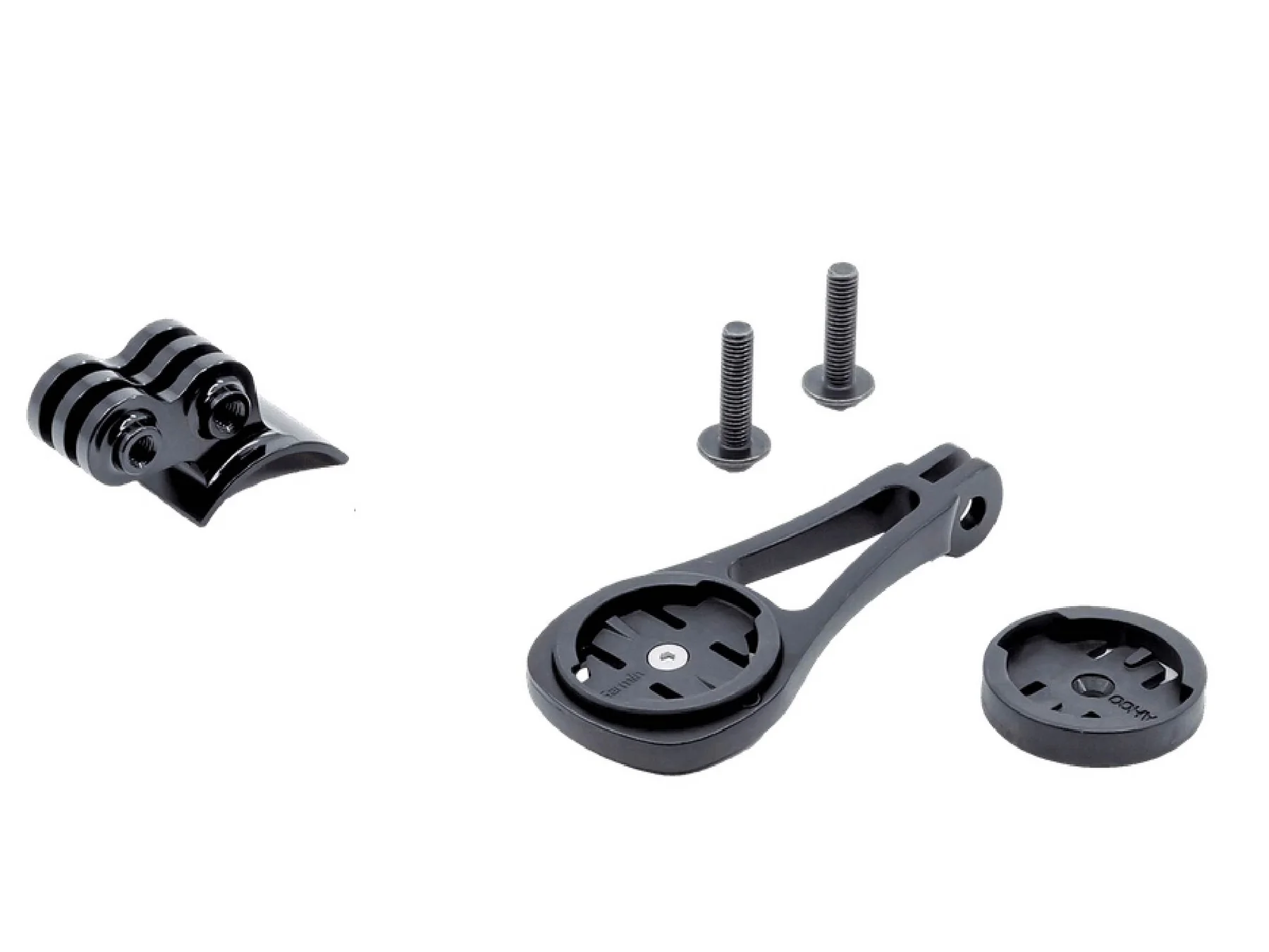
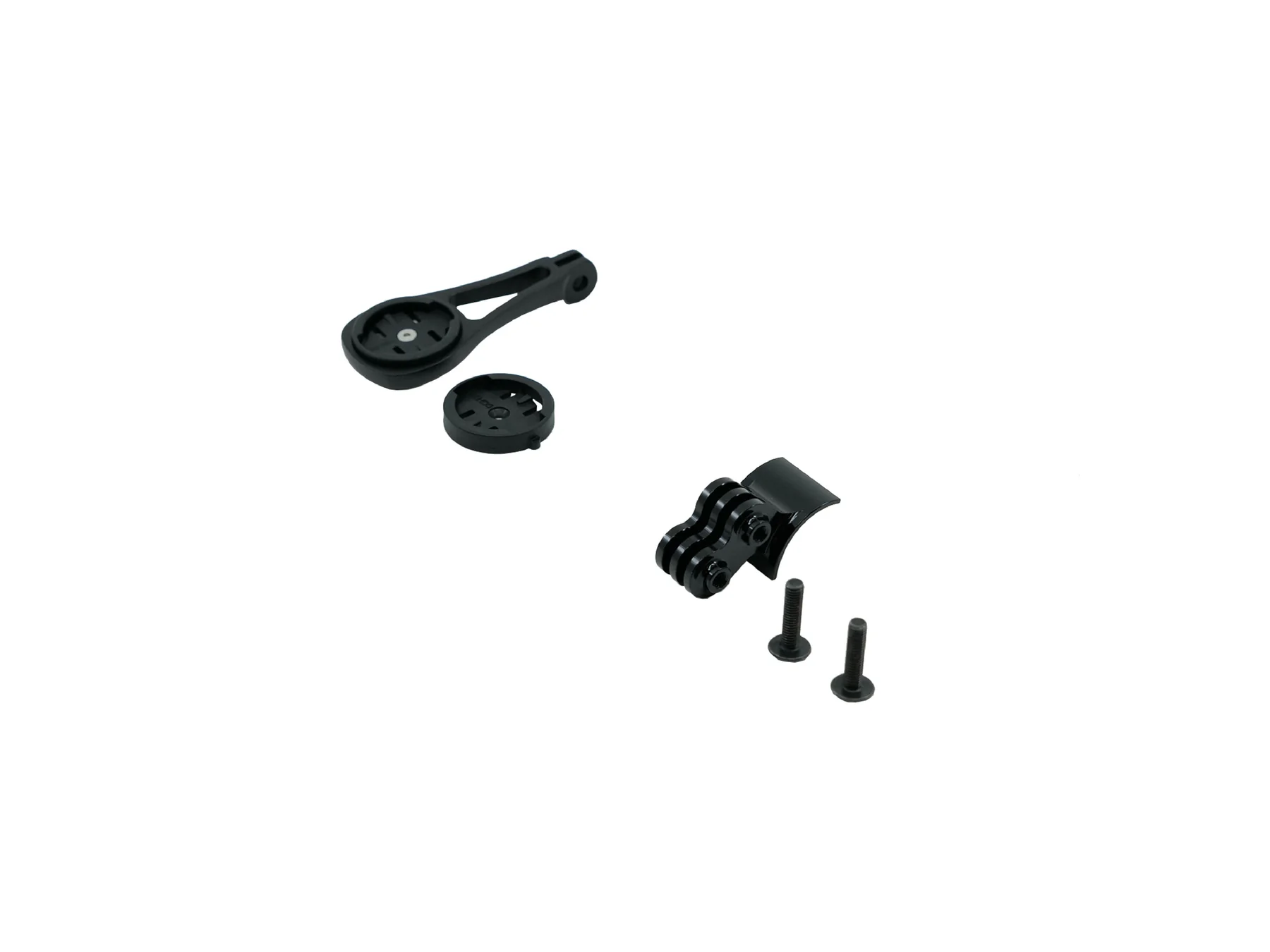
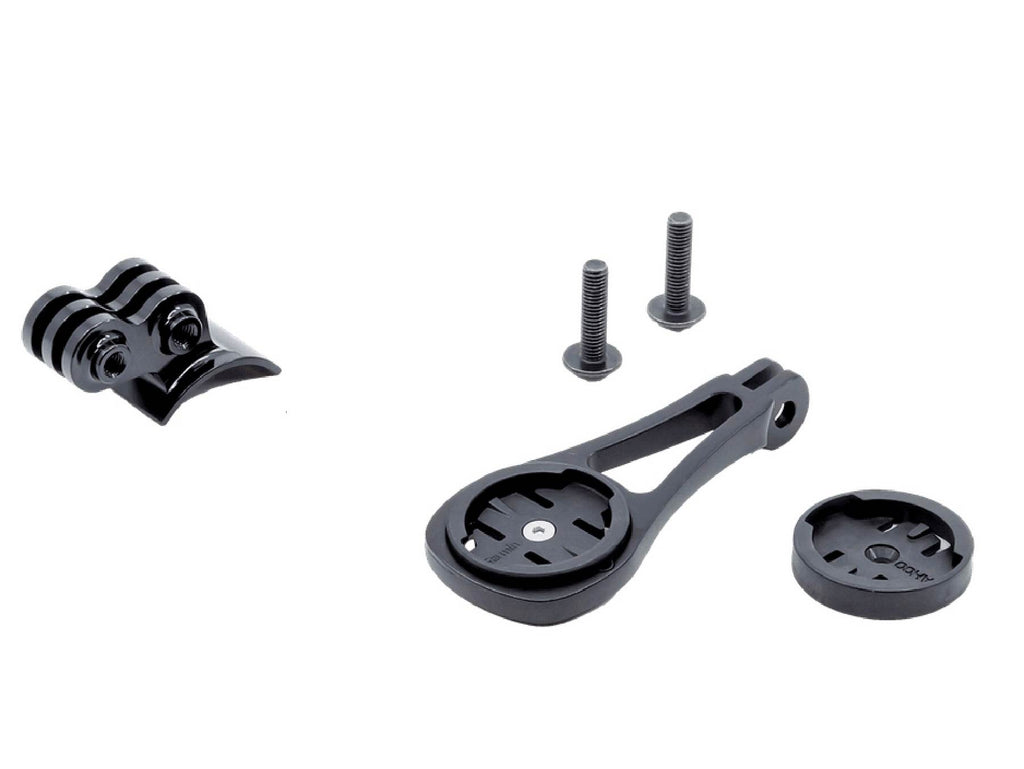
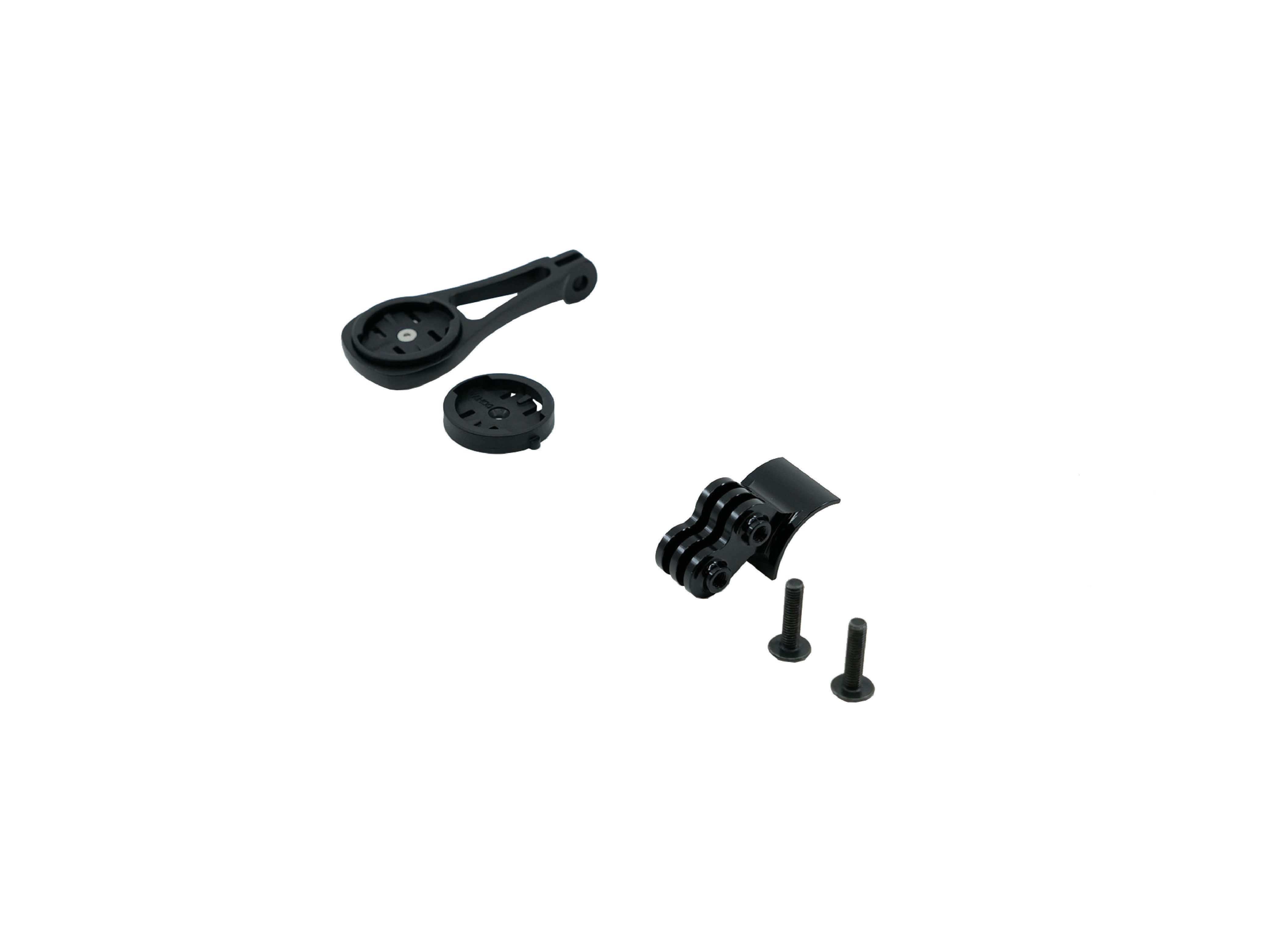
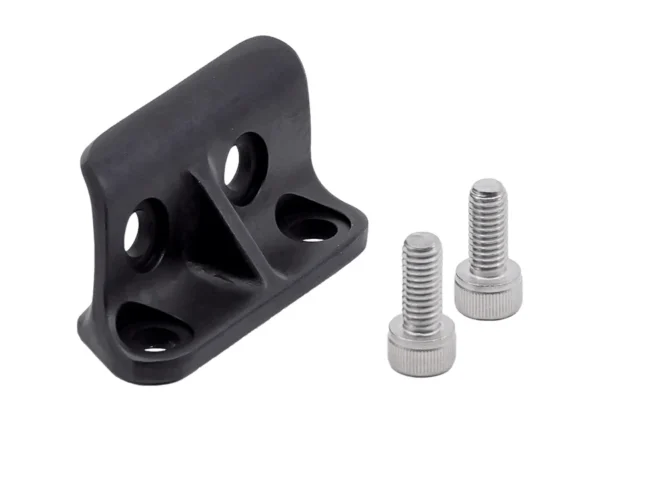
Now, let’s talk about the star of the show: the Computer Mount | ICS, ICS2, ICS MTT and RSM01 Stems. This accessory is specifically engineered by BMC to attach Garmin or Wahoo bike computers (and even GoPro cameras) directly to these stems, maintaining the integrated look. Priced around $69-79, it includes inserts for both Garmin and Wahoo devices, plus a GoPro mount for capturing your rides.
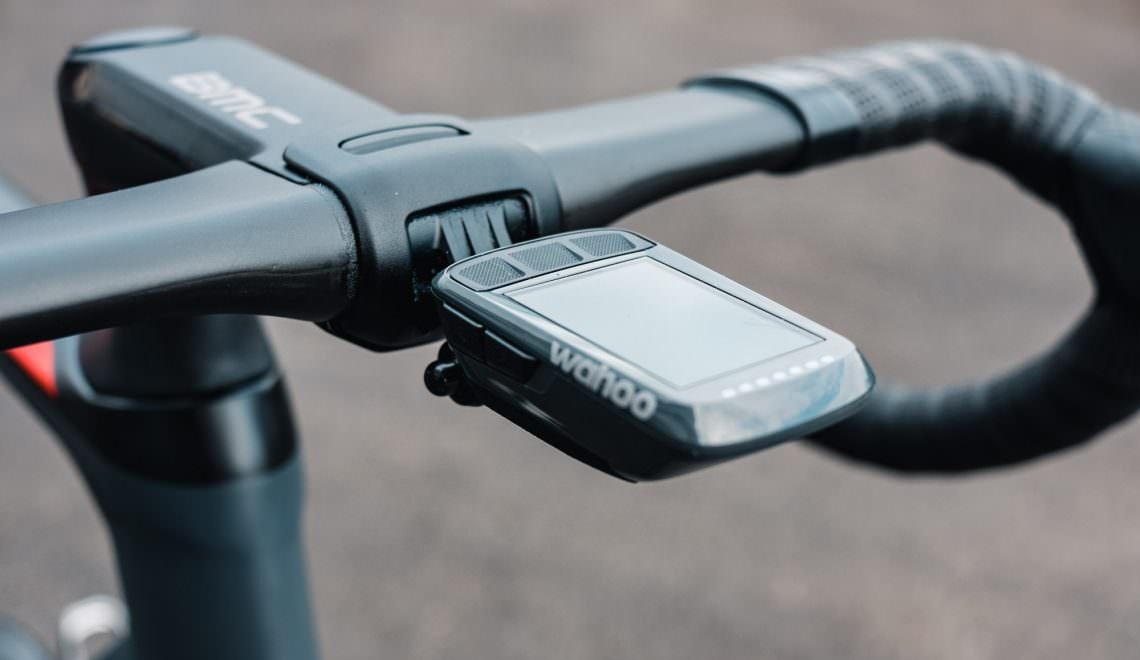
Why not use a generic mount? These stems’ unique designs— with internal routing and specific mounting points—require a tailored solution to avoid cable interference or aesthetic mismatches. The BMC computer mount integrates flawlessly, positioning your device out front for easy viewing while riding. This setup reduces wind resistance compared to handlebar clamps and keeps your cockpit organized.
Compatibility is key: It works across ICS, ICS2, ICS MTT, and RSM01 stems, making it a versatile upgrade for various BMC models like the Teammachine, Roadmachine, and URS. Whether you’re tracking speed, navigation, or heart rate, having your computer securely mounted enhances safety and convenience.
Installing the Computer Mount | ICS, ICS2, ICS MTT and RSM01 Stems is straightforward, but precision is crucial to avoid damaging cables or the stem. Here’s a detailed guide based on BMC’s recommendations and user experiences.
If you’re new to bike mechanics, consult BMC’s ICS Technical Manual or a professional shop. Proper installation ensures longevity and optimal performance.

The combination of a Computer Mount | ICS, ICS2, ICS MTT and RSM01 Stems offers numerous advantages. Aerodynamically, the out-front position minimizes drag, potentially saving watts on long rides. Ergonomically, it places data at eye level, reducing the need to look down and improving safety.
For gravel enthusiasts on ICS MTT-equipped bikes, the suspension stem absorbs shocks, while the mount keeps your navigation steady. Road riders with RSM01 stems appreciate the stiffness for sprints, paired with easy data access. Endurance cyclists on ICS or ICS2 setups benefit from the clean cockpit during hours in the saddle.
User reviews highlight durability—the alloy construction withstands crashes and weather—and versatility with multiple devices. Some alternatives, like third-party 3D-printed mounts, exist, but BMC’s official version ensures perfect fit and warranty compliance.
When purchasing, check compatibility with your specific BMC model. Official retailers like BMC’s website or authorized dealers offer the mount for around $70. Look for bundles with stems if upgrading.
Alternatives include MagCAD or Concentric Cycling mounts for custom needs, but stick to OEM for seamless integration. Consider your riding style: If vibration is an issue, pair with ICS MTT; for pure speed, RSM01 shines.
In summary, the Computer Mount | ICS, ICS2, ICS MTT and RSM01 Stems ecosystem from BMC exemplifies innovative bike design. By integrating advanced stems with a purpose-built mount, you get a setup that’s aerodynamic, adjustable, and user-friendly. Whether smoothing out gravel or chasing KOMs on the road, this combination enhances every ride. Invest in quality components like these, and you’ll notice the difference in performance and enjoyment.
If you’re ready to upgrade, head to a BMC dealer and experience the difference firsthand. Happy cycling!
Only logged in customers who have purchased this product may leave a review.

Reviews
There are no reviews yet.